
-Platinum Sponsor-


Conference Overview & Highlights
“Surface Engineering for Sustainable Development”
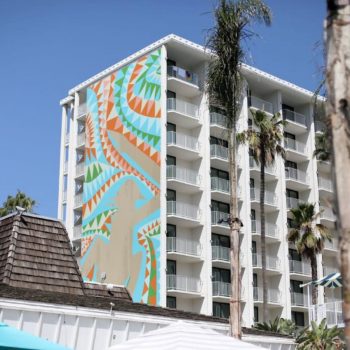
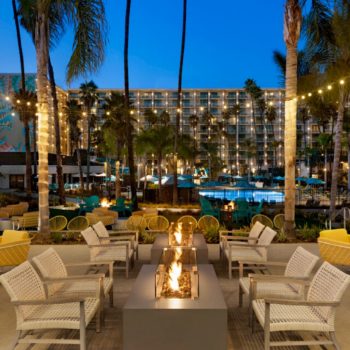
The 50th International Conference on Metallurgical Coatings and Thin Films (ICMCTF 2024) will be held at the Town & Country Resort, San Diego, California, USA, from May 19-24, 2024. ICMCTF is the premier international conference in the field of thin film deposition, characterization, and advanced surface engineering, promoting a global exchange of ideas and information among scientists, technologists, and manufacturers. ICMCTF 2024 technical sessions will have an overarching theme that emphasizes materials, processes, and applications relevant for sustainable development and will include a related Topical Symposium. We also hope to see many of the major leaders of the conference to mark the 50th anniversary. The Conference includes more than 90 high-profile invited speakers, in over 40 sessions, across technical symposia, plenary and keynote lectures, short courses, an awards program, and daily social networking events.
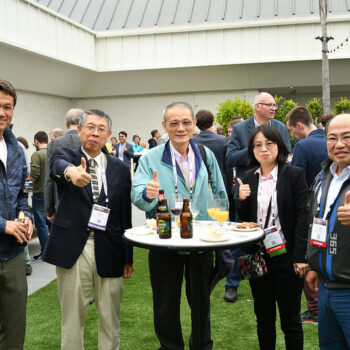
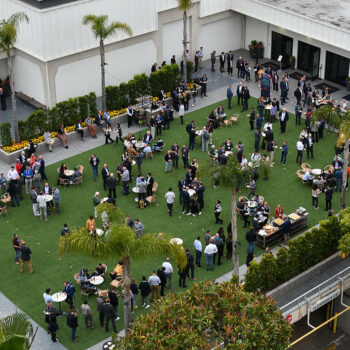
A major exhibition of equipment, materials, technical literature, and new technologies is a key part of the conference. Attendees from all over the world come to present their findings, exchange ideas, share insights, make new friends, and often establish collaborations. The Conference typically draws 700 attendees.
Secure Your Visa Early: Due to increasing delays in securing visas it is strongly encouraged that you begin this process immediately to ensure approval. Please click here for additional information and assistance. Should you need an invitation letter, please contact icmctf@icmctf.org as early as possible to ensure you receive your visa well in time for the meeting.
Materials:
- MA. Protective Coatings and High Temperature
- MB. Functional Thin Films and Surfaces
- MC: Tribology and Mechanics of Coatings and Surfaces
- MD. Coatings for Biomedical and Healthcare Applications
Characterization & Computation:
Industry & Applications:
Topical Symposium
Sustainable Surface Engineering:
- TS1. Coatings for Batteries and Hydrogen Applications
- TS2. Sustainable Processing and Materials Selection for Surface Solutions
- TS3. Solar Thermal Conversion
- TS4. Coatings and Surfaces for Thermoelectrical Energy Conversion and (Photo) Electrocatalysis
- TS5. Circular Strategies for Surface Engineering
First Timers Special
We want to welcome new participants in 2024 with a special `First Timers` offer of free student registration for one student accompanying their adviser/supervisor registering for ICMCTF 2024 for the first time. Both the mentor and student must be first time attendees and both are required to stay in the conference hotel to be eligible for the offer. Please contact the ICMCTF 2024 General Chair, Jyh-Wei (Jeff) Lee, if you have any questions regarding this opportunity.
Manuscript
Submission
Plenary Speaker

Yury Gogotsi
A.J. Drexel Nanomaterials Institute,
Dept. of Materials Science and Engineering,
Drexel University, USA
“Engineering 2D MXene Surfaces for Functional Films and Coatings”
Exhibit Keynote Speaker

Samuel Chiu
Senior Technical Director, Applied Materials, Taiwan and Vice Chair, IC Committee SEMI Taiwan
“Material Innovations and Challenges of Thin Films and Plasma Applications for 3 nm Node and Beyond”
Program Chair

Johanna Rosen
Linköping University, Sweden
General Chair